Graveyard of games
Since I started working as a Game Artist in 2009, I have worked on six traditional Games that were published, and a few more promotional or educational games. There are also a handful of iGaming slot Games that I don't really count in this context.
Below is a small selection of projects that never made it to release for different reasons. Some were student projects and served their purpose, while others were prototypes or portfolio work.
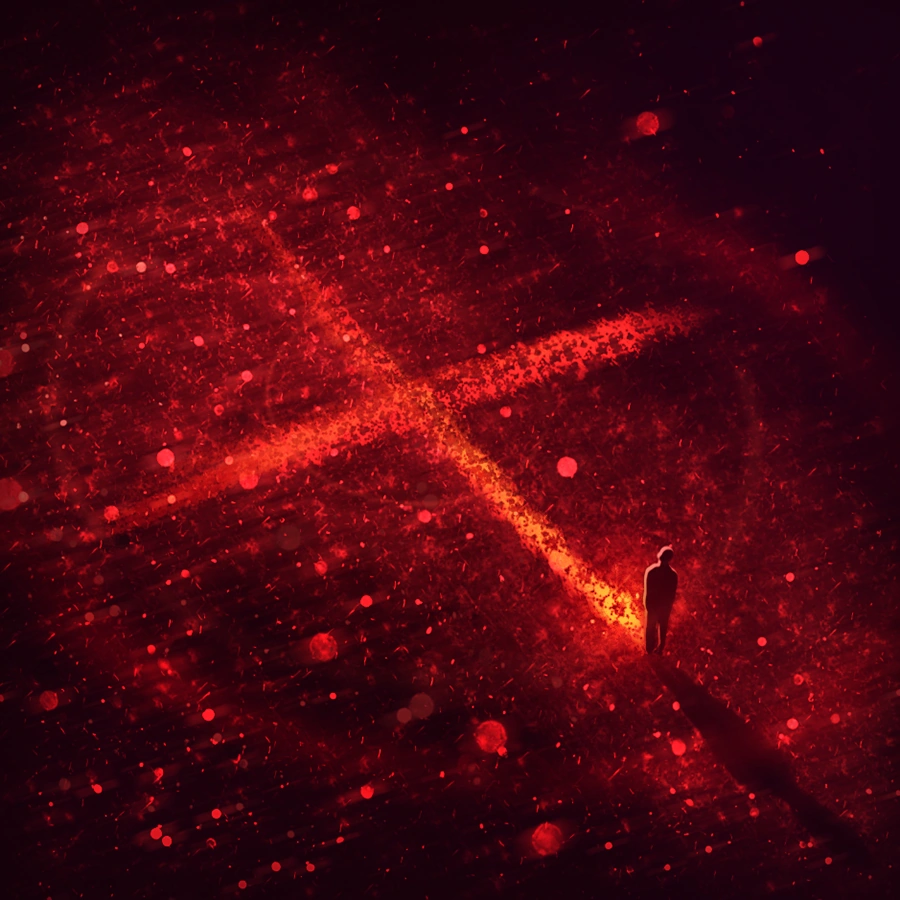
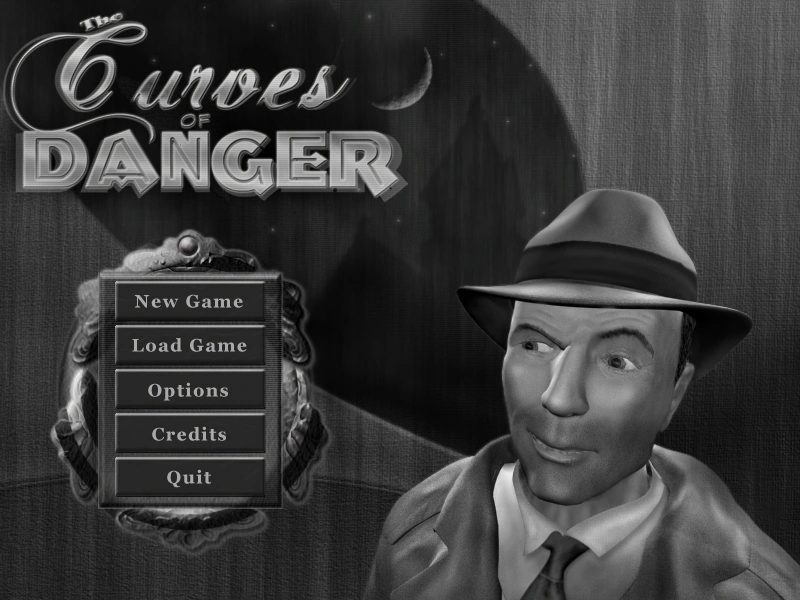
The Curves of Danger
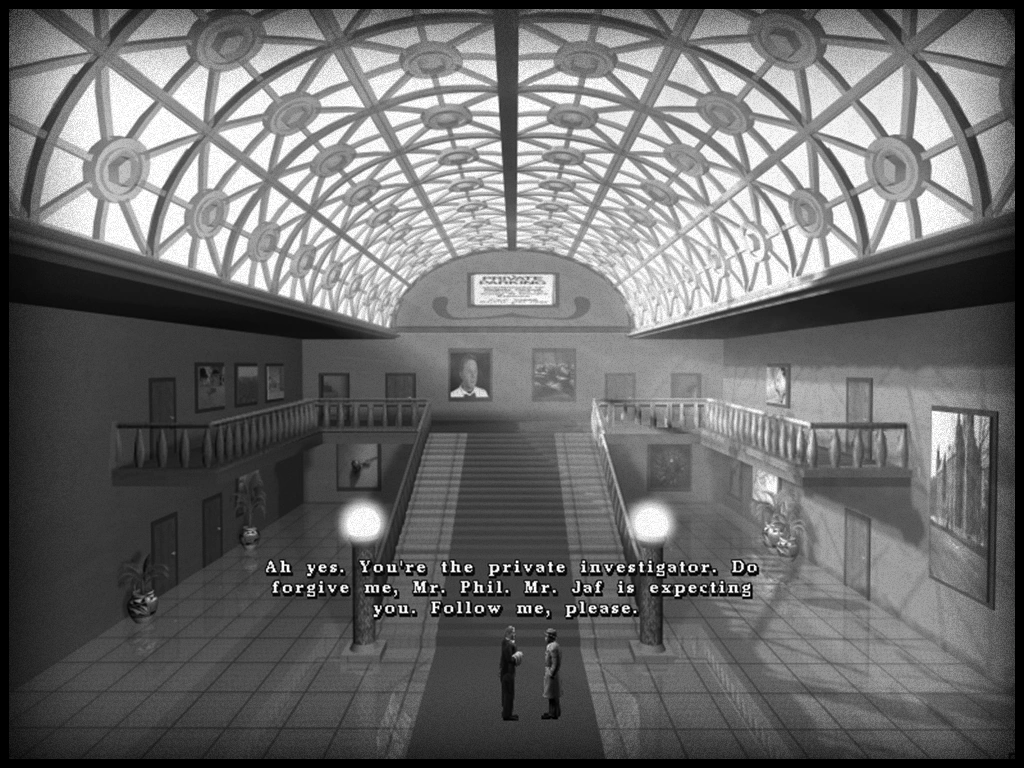
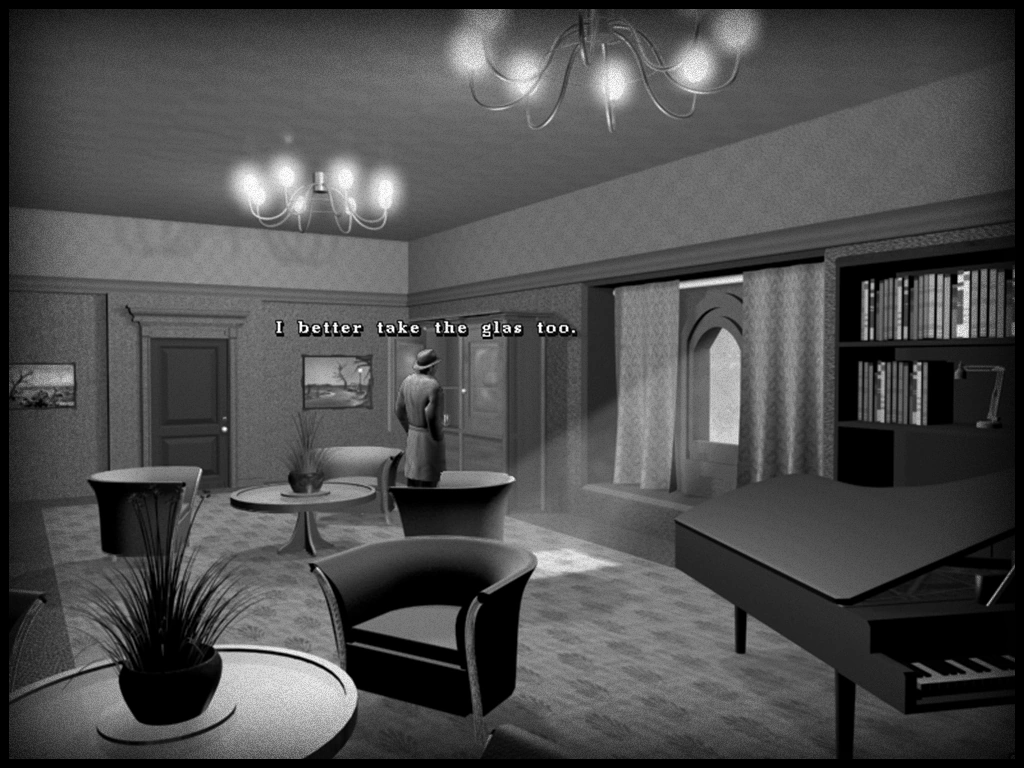
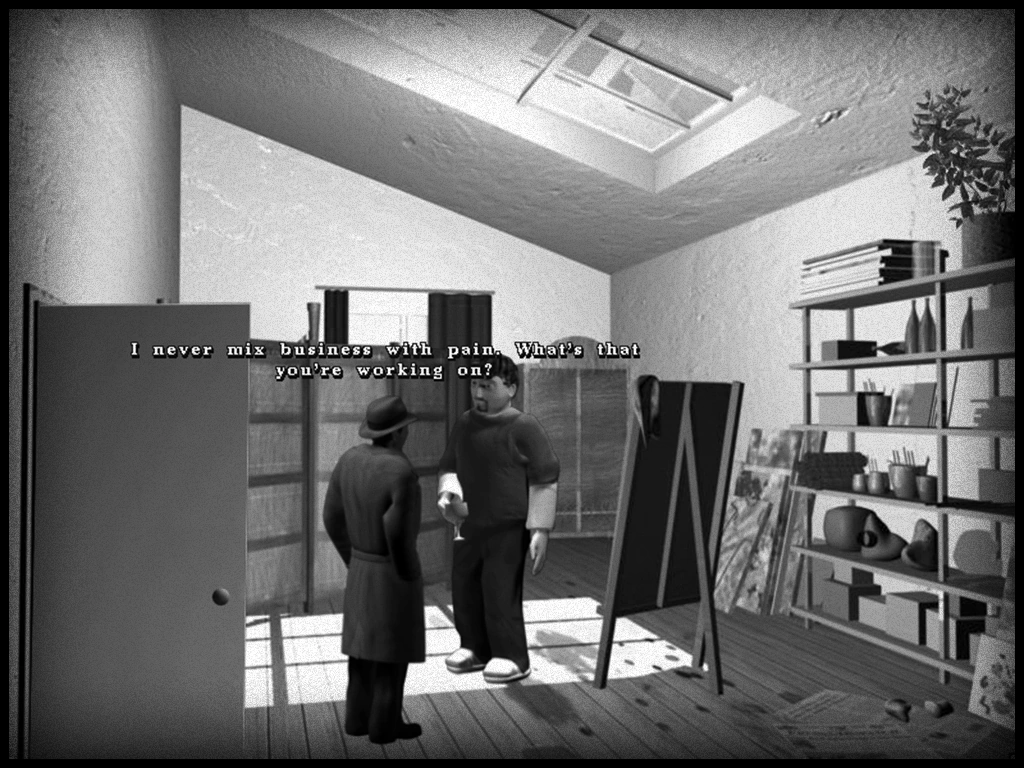
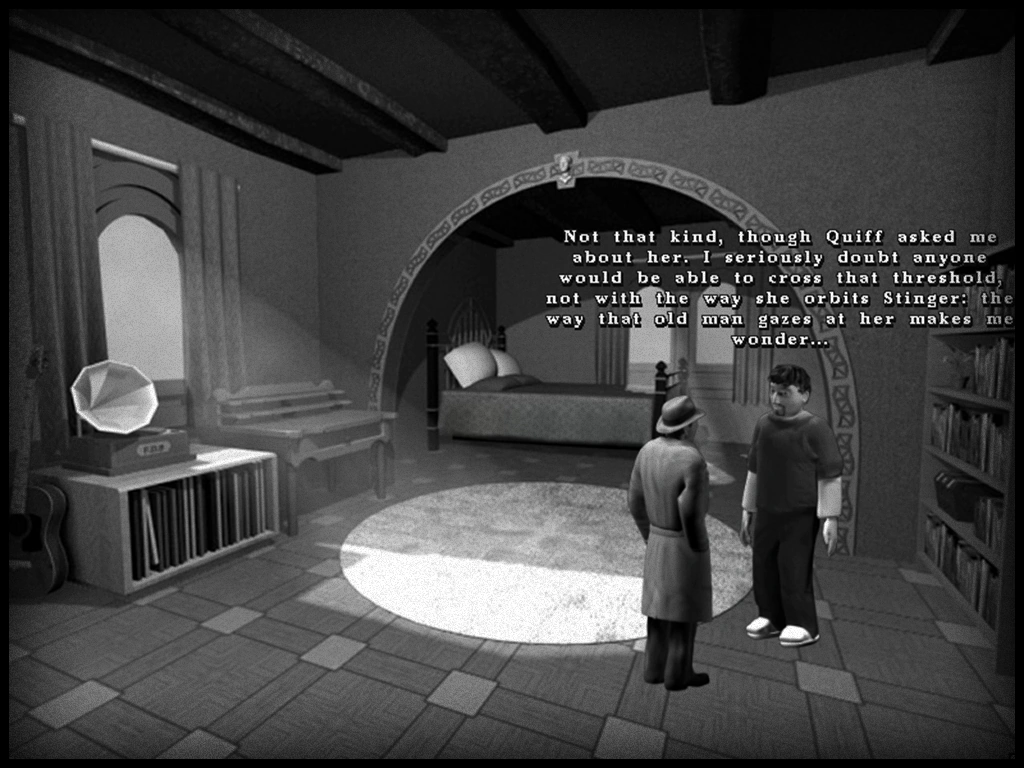
This was a fairly ambitious "film noir" point and click adventure created with the Wintermute engine (WME). Wintermute was a free C++ toolkit for 2D/2.5D point and click adventures on Windows, released in 2003, last stably updated in 2010 and later quietly discontinued.
"The Curves of Danger is a classic film noir style murder mystery. You play Phil, a street smart, cynical but soft hearted private detective who is hired to investigate the brutal murder of a famous avant-garde poet at the exclusive AG Club Mansion and Estate. As you explore the mansion you question a suspicious cast of residents and guests, pick through their alibis and uncover secrets to figure out who is really responsible."
The final developer blog post for the game, written in October 2005, had an optimistic outlook for the future;
"Act One, Chapter Two is complete in script form. The demo will begin testing very, very soon. The wheels are in motion. Dream Forever."
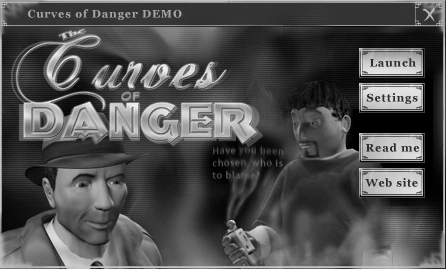
Forever Dream Studios was a 14-person team covering art, animation, writing, programming and music. I joined during the final year of development and contributed the splash screen, GUI, inventory icons, several 3D assets and the texturing and UV mapping for the main character.
The game itself reached a stage where it had a fully working prototype and Chapter 1 was done, containing around 25 minutes of gameplay. The background and animations were pre-rendered and no true 3D, shadow casting or advanced realtime rendering was available.
It gained some traction thanks to an interview in the game magazine EXE, issue 10 (2004) but the project eventually ran out of steam and quietly dissolved. To my surprise the original build is still fully playable on Windows 11 more than 20 years later.
"A dead poet. A house on the hill.
Lost love. A ballpoint pen.
Fruitcake.
Have you been chosen?
Who is to blame?"
The Curves of Danger
Coming Fall 2004 from Forever Dream Studios.
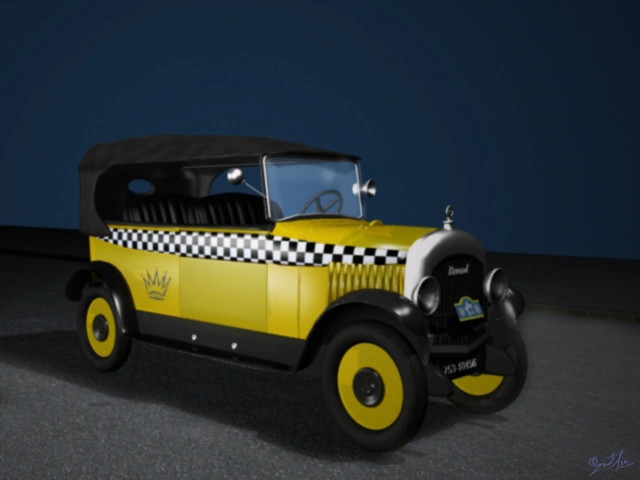

I feel that if this prototype had been made a few years later, say in the late 2000s or early 2010s during the Xbox Live Arcade and early indie mobile boom, it would have been a great candidate for proper funding and a publisher.
Project Raftcraft
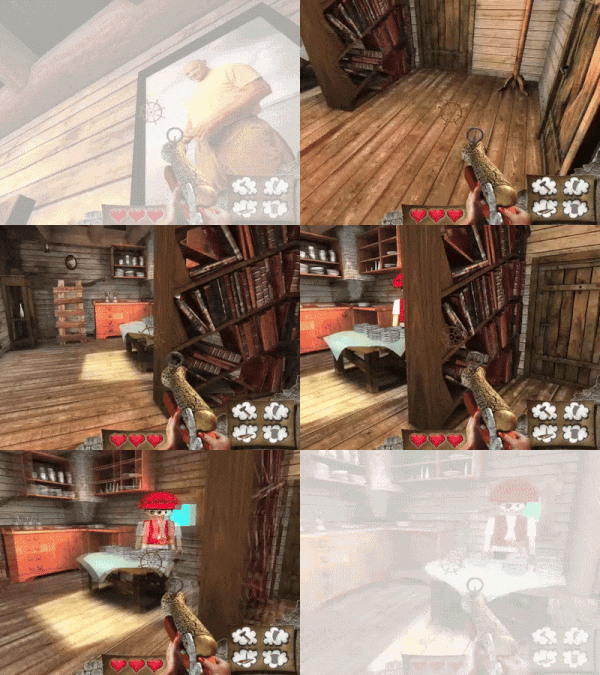
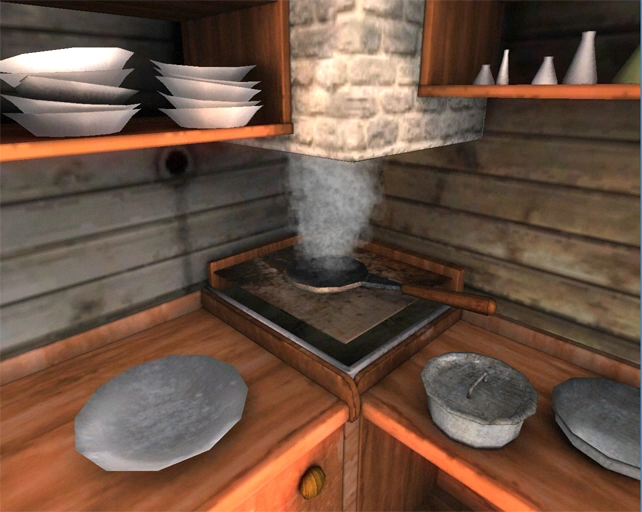
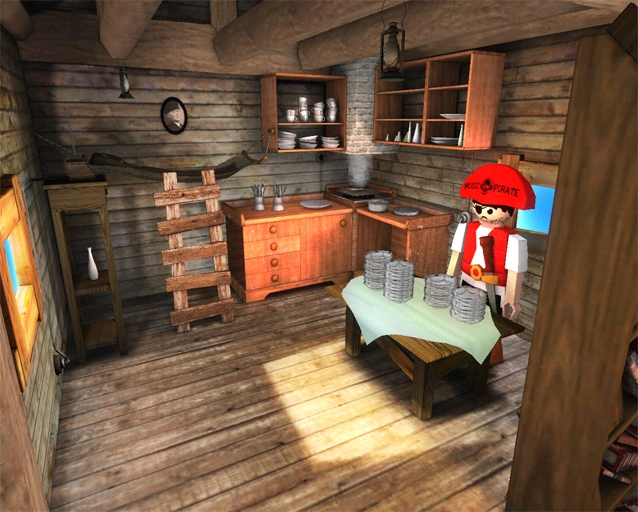
This was a game project during my Computer Graphics studies at Gscept LTU. Our team of four artists and two programmers had a few weeks to build a small game using a forked version of the Nebula engine, an open source C++ game framework originally developed by Radon Labs and later extended at the university.
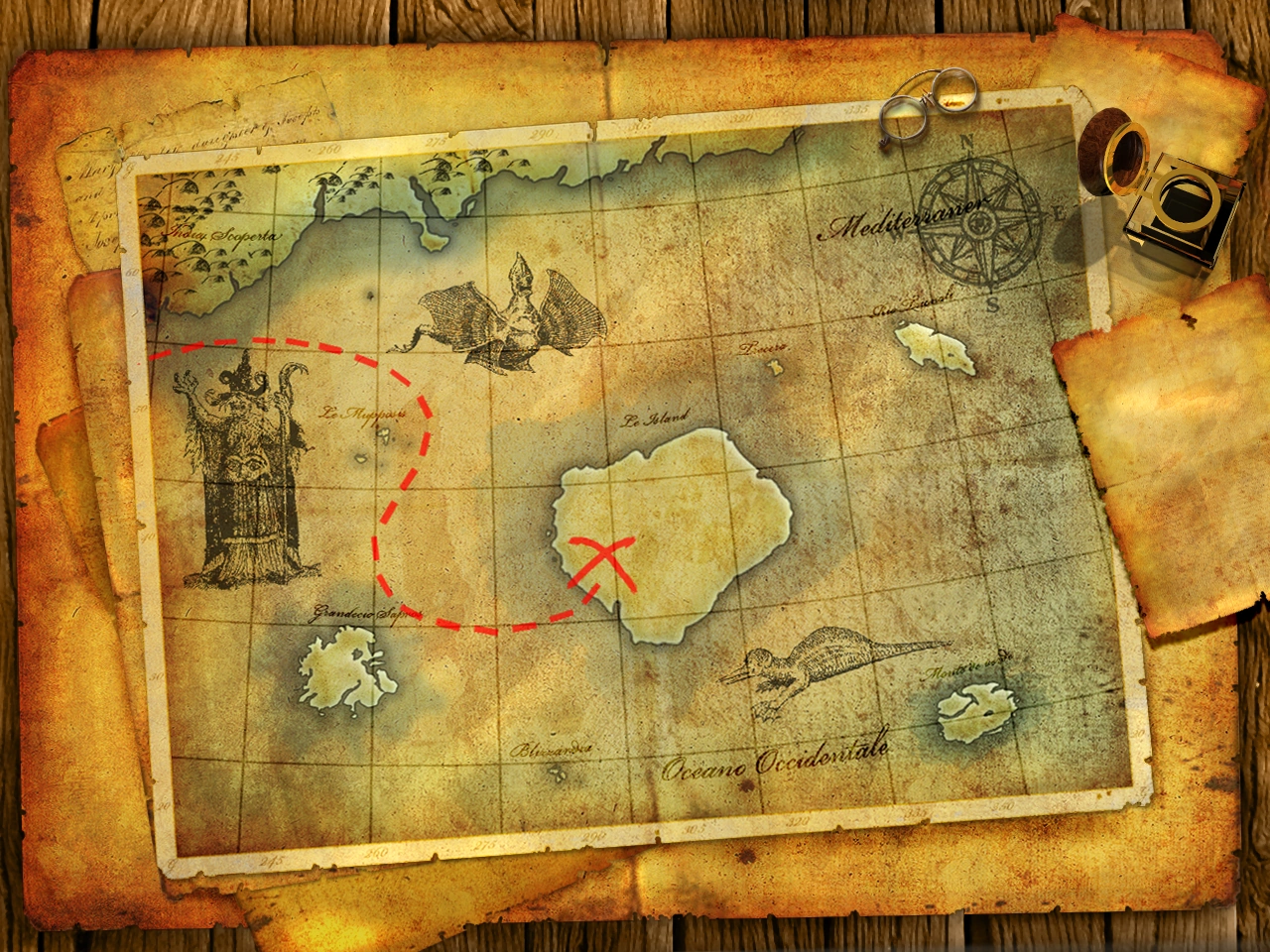
The game itself was an FPS where you ran around on an island, shot enemies and collect parts to build a raft for your escape. Each artist made one level containing a boss. There was talks about trying to finish the game on our own time, but it never happend.


Conquer The Hood
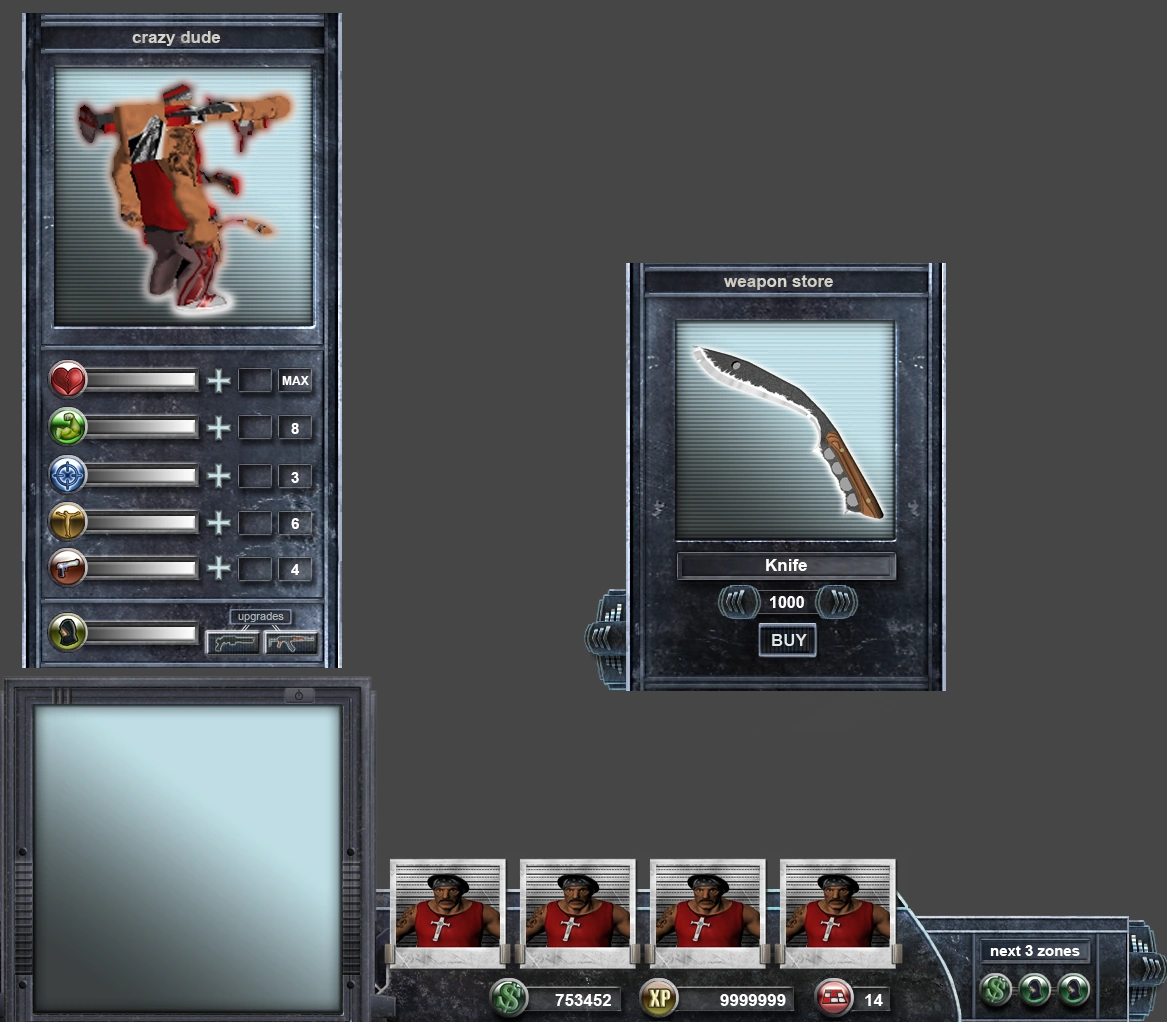
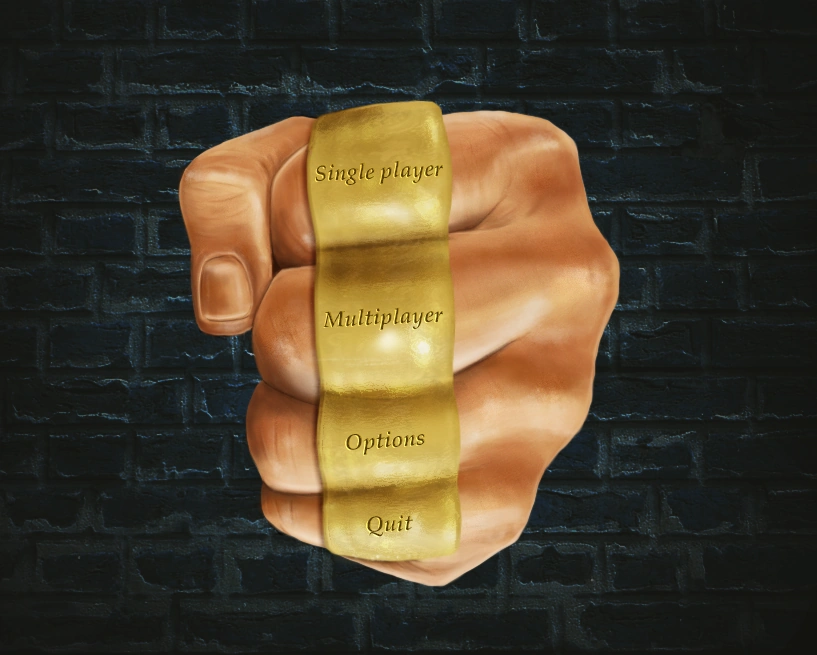
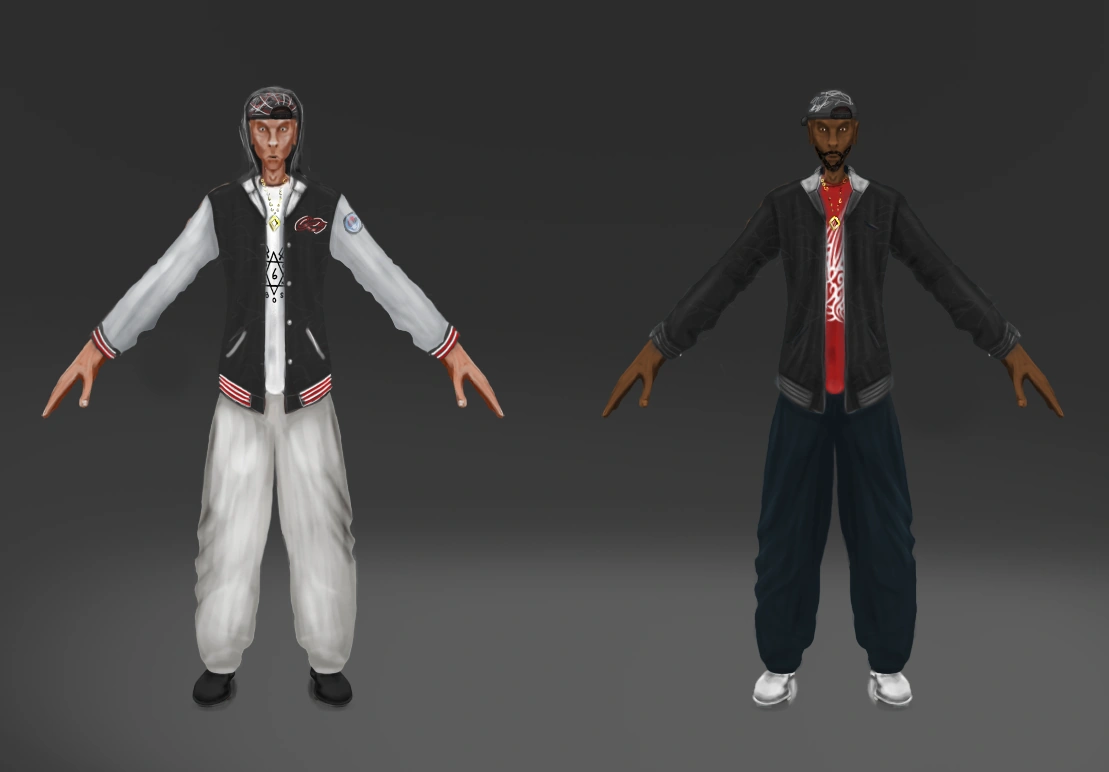
This game was a final exam project by some students from the Game Development and Computer Graphics programs at LTU in Skellefteå. At this time I was busy doing my own exam project on 2.5D matte painting, but I joined the team part time and helped out with concept art and the game’s GUI.
Conquer the Hood was a real-time strategy game set in an urban ghetto where the goal was to take control of the city. It was nominated for Best Execution at the Swedish Game Awards 2009 and won the Gamer’s Choice award. Since we all gradueted at this time, there was some talk about starting an indie company and try and get some funding to complete the game, but it never materialized.

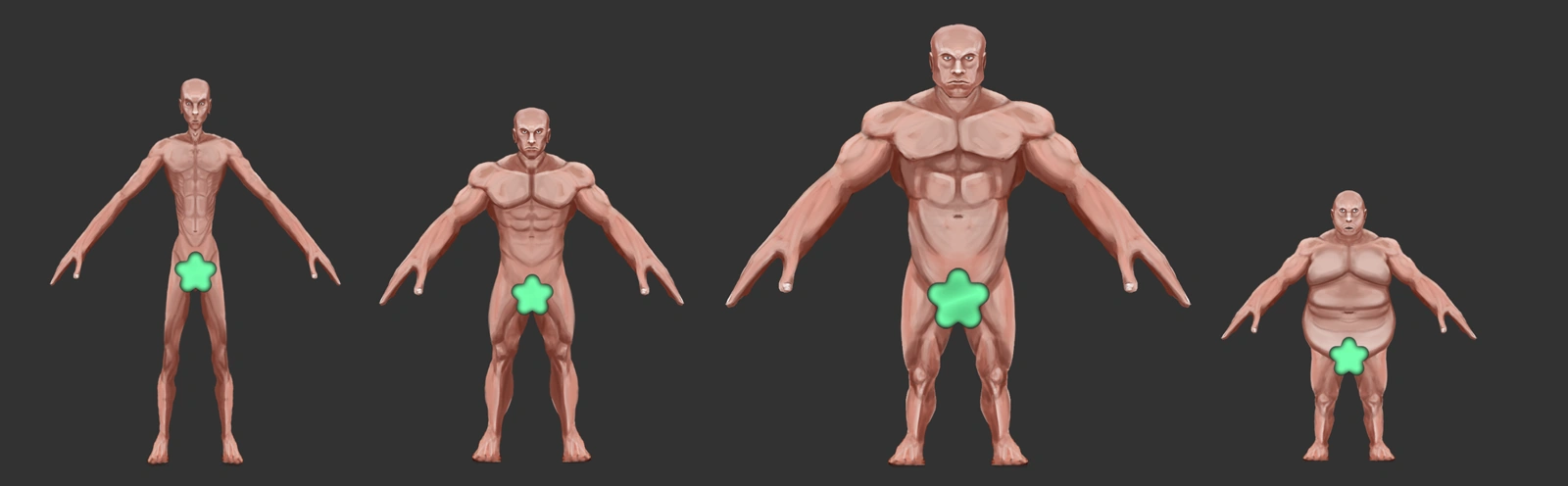
Breakaway


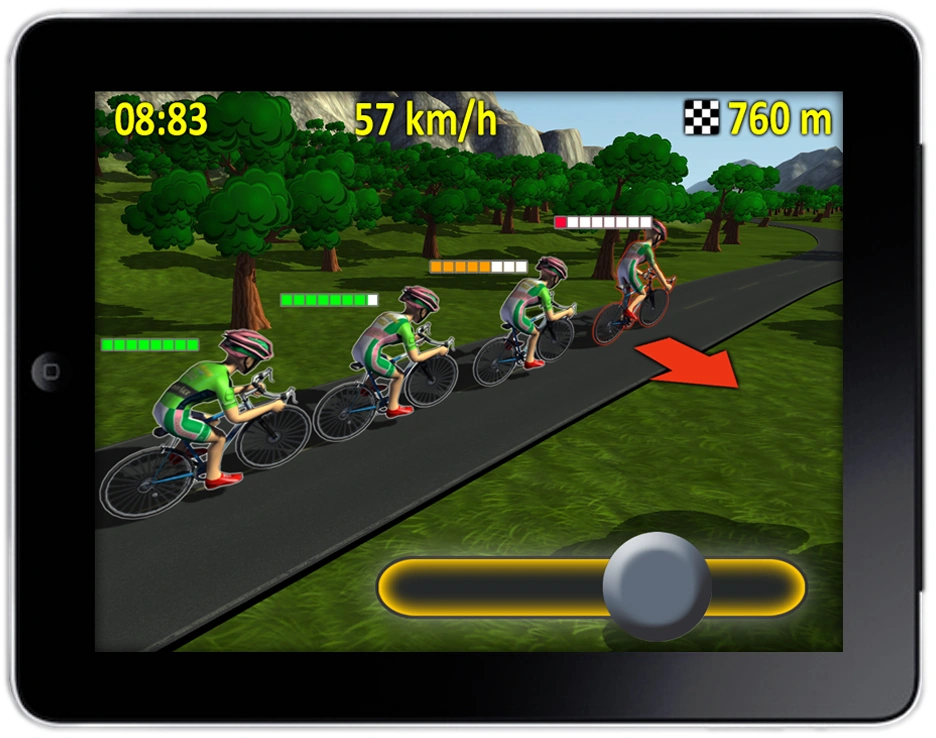
This was a concept for a game called Breakaway created for Turbo Tape Games. It was planned as a Unity title with a main focus on mobile and iPad. The project lacked funding and never progressed beyond the concept stage. It later evolved into a very different web based multiplayer cycling game.
Breakout


This was a clone I made while following along a Game Dev Academy tutorial. I wanted to learn Unreal Engine and dive deeper into how blueprints and game logic worked. The idea was to make a smaller game first to learn the tech before starting on a more 3D environment art focused game for my portfolio. I managed to build a full level loop where the player could progress to the next stage by collecting all the coins. If the ball reached the bottom of the screen three times the game ended.
This GIF is the only remaining footage of the game where I test a build on my phone. It was filmed from one phone while playing on another so it is a bit shaky. The game used forward rendering and never got to the stage where I baked any lights, used light orbs or sorted out the secondary UV sets.
I also experimented with trim sheets and packed maps and with baking high poly 3D-Coat sculpts onto low poly Maya meshes using Substance Painter. At the time there was an API limitation that did not allow me to use Unreal's Destructible Mesh on Android. To simulate a stone statue breaking into pieces I made a workaround using Maya's Bullet feature.
It "baked" a simulated mesh shatter into an FBX animation by converting it via Alembic (HDF5 legacy) and back again to FBX before export. There was some copy-paste wizardry from duplicates involved as well. There is a video tutorial on my YouTube channel showing this process. I stopped working on this project since I got a new job as a 2D Artist at the time.
Diner Game Project
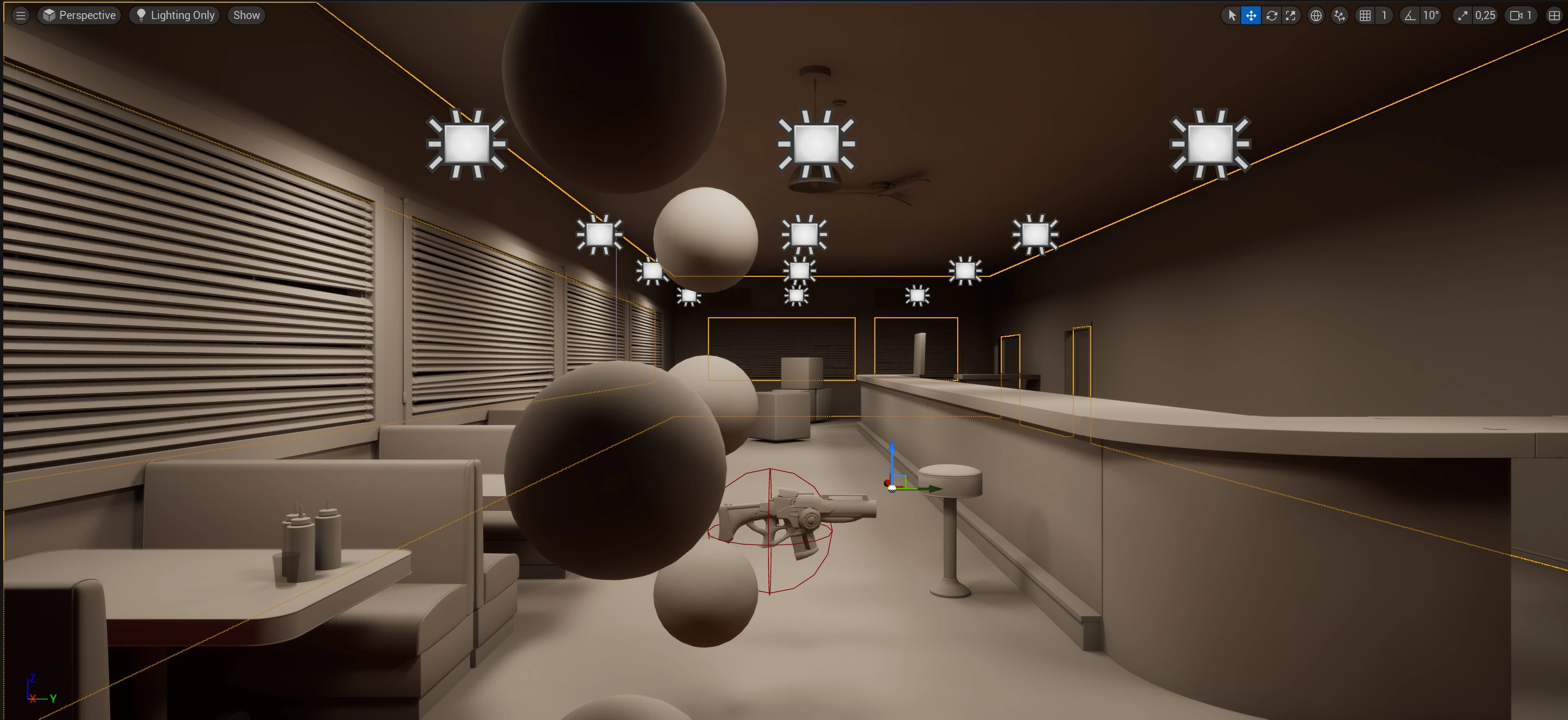
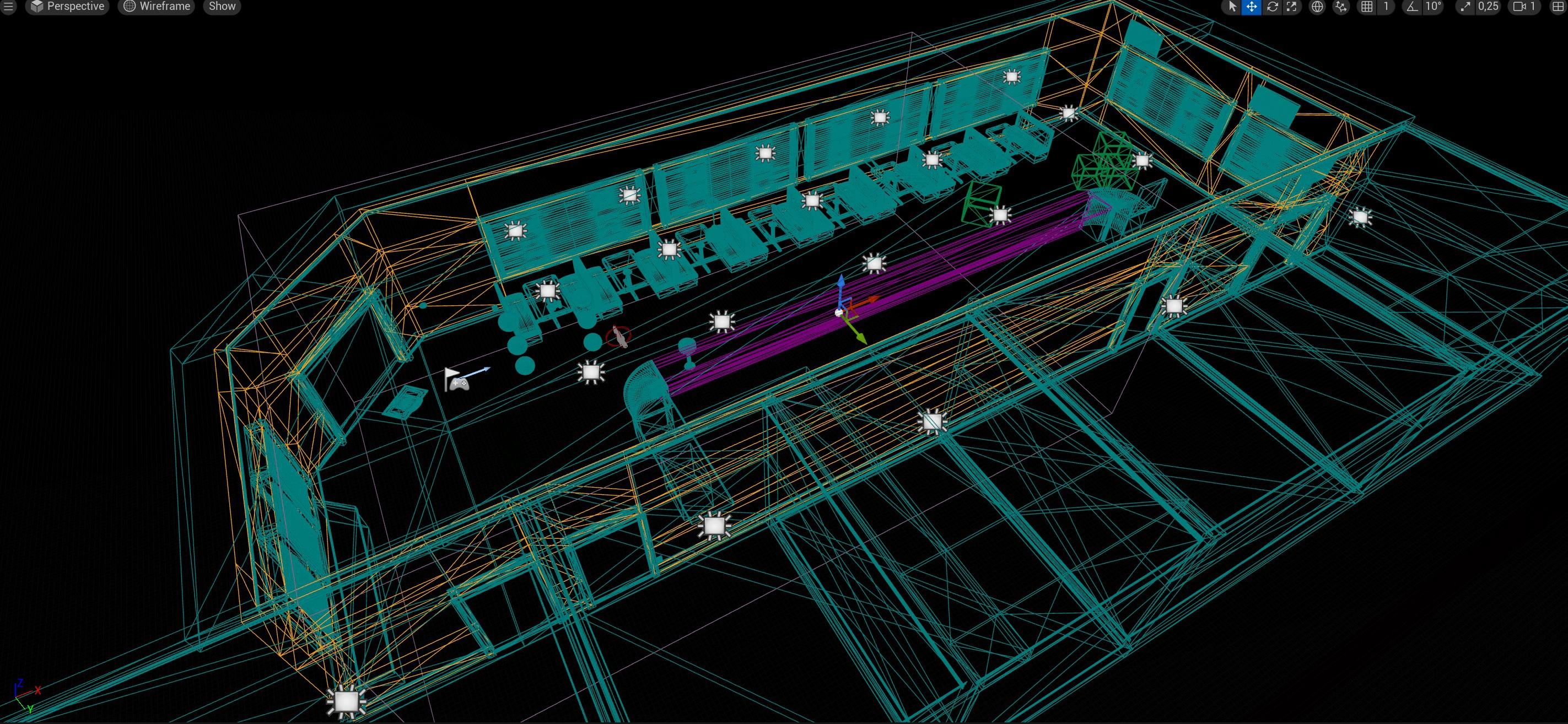
This one was a more ambitious Unreal Engine project where I pushed harder toward realism. The goal was to treat it as a full 3D environment art piece and document the whole pipeline: asset creation, optimization, UVs, texel density, etc. I planned to build all modular assets from scratch in Blender, sculpt details in 3D-Coat and set up the materials in Substance Painter so they blended seamlessly with the Megascans textures I used for the floor and walls. This is also the first project where I used source control and learned how to set it up.
I got pretty far on this project, and built almost the entire layout of the diner with a consistent texel density and optimized meshes. I used Unreal's default first person template as a start. This made it easy to walk around the level and shoot with the gun to test collision boxes. The next stage would be to create the smaller props for decoration, and add weathering and mood using decals. I had a story in mind for a first-person adventure game set inside this moody, very American diner, combining all the classic movie diners into one mysterious mix of old and new. Treat it as some sort of limbo perhaps? I stopped working on this project since I got a new job as a technical animator, and decided to focus my time on deep diving in Esoteric Spine instead of learning Unreal Engine.


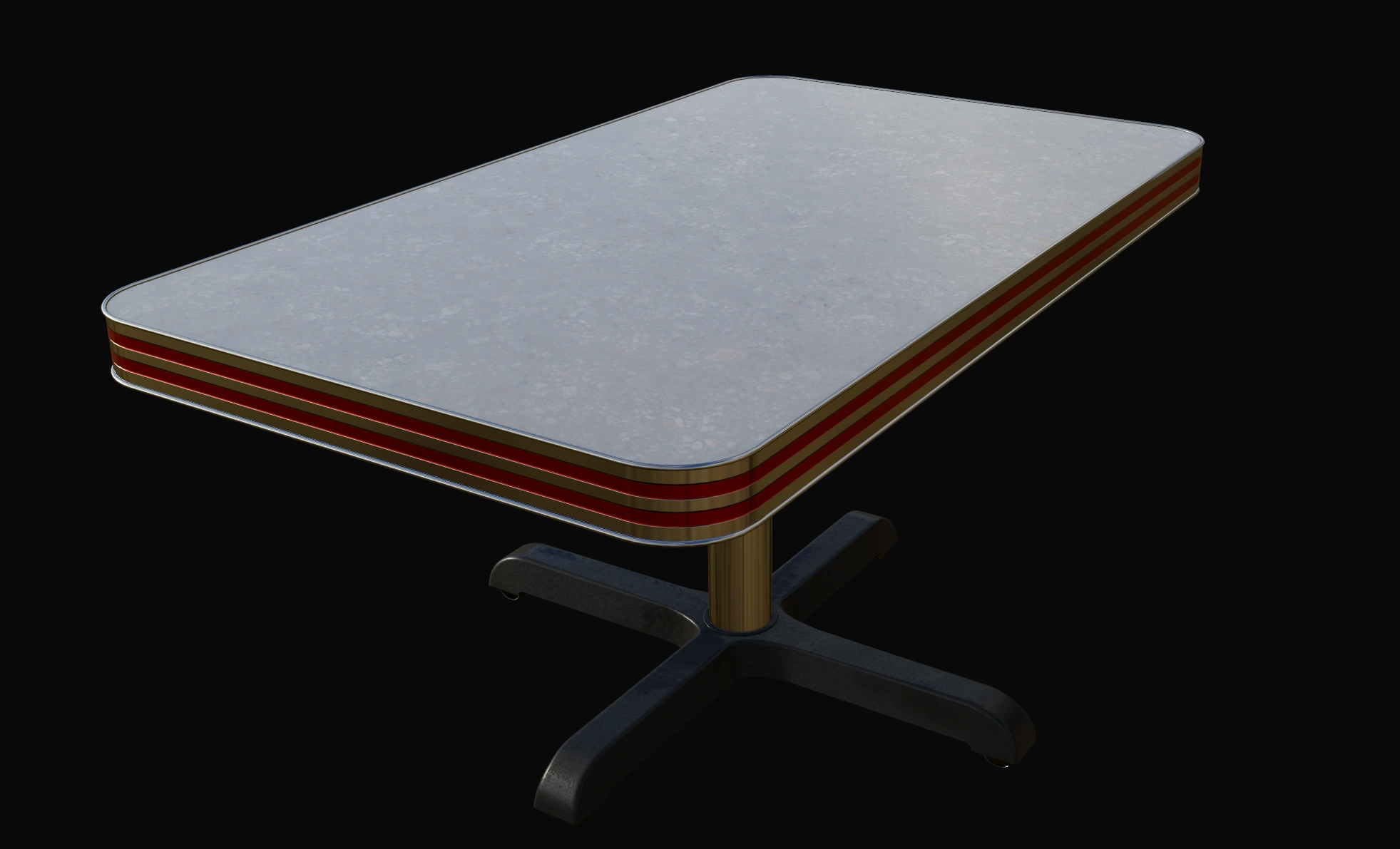
Diner Prototype Walkthrough
Lessons learned
A lot has changed in terms of technology and process over the last few decades. We got the mobile boom in the 2010s, the rise of Unity and the massive technical leap Unreal has made. Open source tools like Blender have become more accessible and there are affordable personal or indie licenses for heavier software. We have the rise of procedurally generated textures and meshes, physically based rendering (PBR), self publishing, VR technology and now AI tools and automation becoming much more available.
Regarding my unfinished game projects: some of them were school assignments that taught me about collaboration and the basics of a technical pipeline. How to plan a project, organize tasks, handle problems and debug. The later portfolio focused projects shifted more toward art direction and the technical process with less focus on being a finished product or on gameplay. Even so I picked up a lot of valuable lessons along the way. Some of these are listed below in no particular order:
-
Choose a project you care about
- Pick something you genuinely find interesting.
- Write a design document with the core game loop and a rough idea of the projects goal.
-
Scope and technology
- Write a short practical and technical overview plan for the project.
- Plan it based on your own strengths and weaknesses.
- Research which engine fits best for this project (Unreal, GameMaker, Unity, Godot, etc.).
- If you are a programmer you can also consider building a small custom engine.
-
Prototyping and avoiding disasters
- Start with a prototype to map out hurdles and big risks.
- Decide on a main target platform early if you can.
- Add some sort of debugging early in development.
- Keep track of VRAM, overhead, draw calls and other useful metrics.
-
Technical Structure and optimization
- Use some sort of task or project tracking.
- Set up a clean folder structure early. Be structured and consistent regarding file naming.
- Keep a small personal asset library for reusable assets.
- Examples:
- Identify during planning where you can instance objects and use prefabs.
- Reuse or tile textures when possible to save memory and disk space.
- Use channel packed maps to combine grayscale textures and save texture memory.
- Should lighting be baked or is dynamic the way to go? Forward or deferred rendering?
- Find a consistent texel density if its a 3D game. If its pixel art; how big are the "pixels" visually?
- Sort out your normal maps. Are they flipped? What axis is up, Y or Z?
-
Motivation, experiments and learning
- Expect dips in motivation and other things getting in the way.
- Be ready to restart or cut parts of the project if needed.
- Use source control from the start and create branches when you experiment.
- Treat experiments and false starts as learning and an investment, not a failure.
- Be open to learn new tools and change. Bias kills. Adjust your plans as you gain more experience.
Useful links and resources
YOUTUBE PLAYLISTS
- Game Dev Art & Tech
(Selection of tech art, painting and game development videos)
REFERENCE/PRESENTATION
- PureRef
(Reference board, can embed images & play GIF+more) - ezgif
(Amazing for creating GIF from Video of sequences) - DJV
(Play sequences on the disk. Lots of functionality and fast buffer) - OBS Project
(screen recorder) - Image to Text
(Convert to text from image)
ART TOOLS
- Filter Forge
(Create patterns, effects. Amazing and very affordable) - Photopea
(Free online Photoshop, can sometimes open and resave bugged files) - Vectorpea
(Free online Illustrator) - Upscayl
(Great one for Upscaling when it works) - Lospec Palette List
(Extract palettes)
PHOTOSHOP PLUGINS
- Modificator
(Paid. Customizable quick access to tools you want) - Coolorus
(Paid. Color wheel)
COMPRESSING IMAGE FILES
- Caesium
- Pinga
- TinyPNG
- CloudConvert webp converter
(Another webp alternative) - Squoosh
FILE AND IMAGE MANAGEMENT
- XnView
(Amazing for batch resize, rename, canvas changes, etc) - ImageMagick
- ShoeBox
(If you ever need to pack textures or unpack atlases)